Step 1 of 12
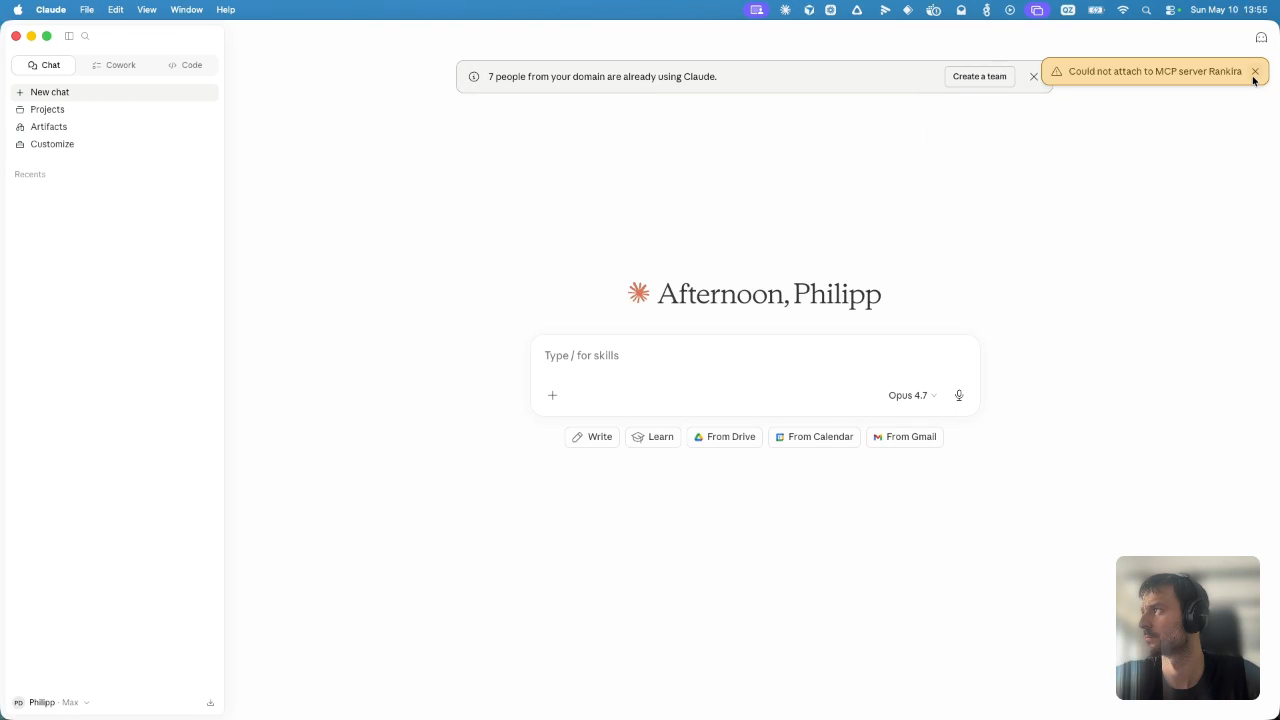
1. Open Customize Panel
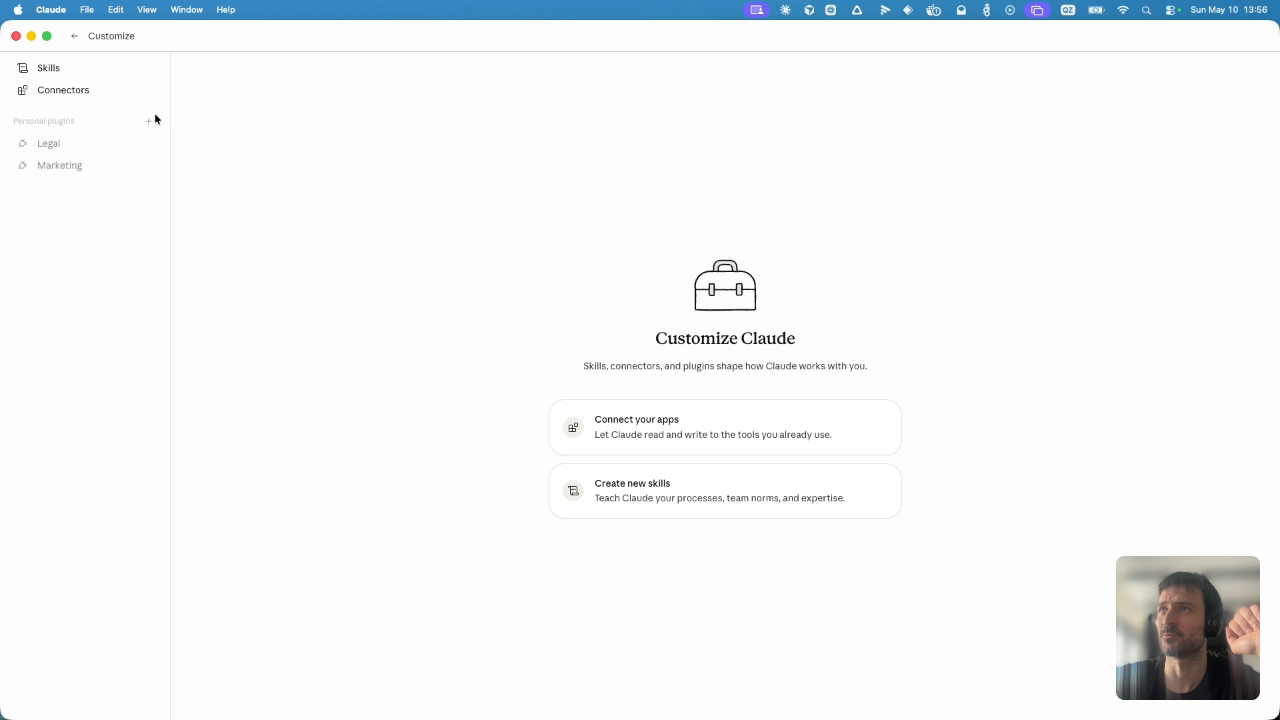
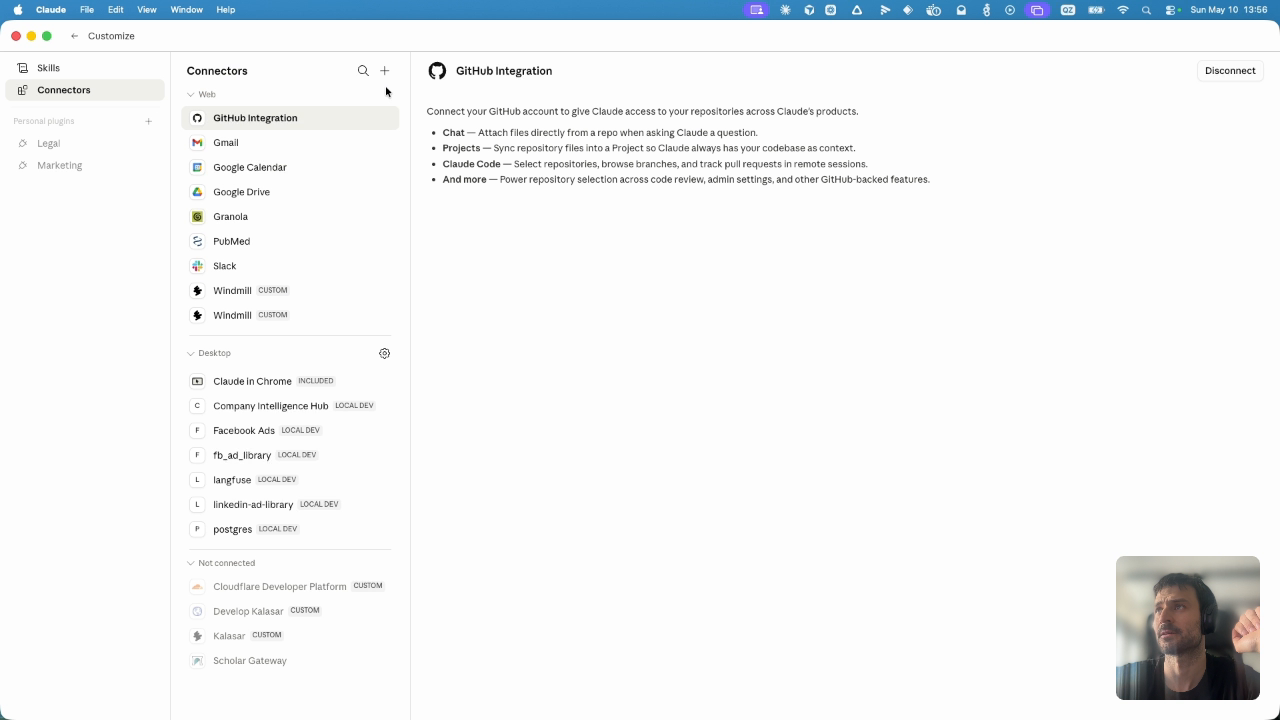
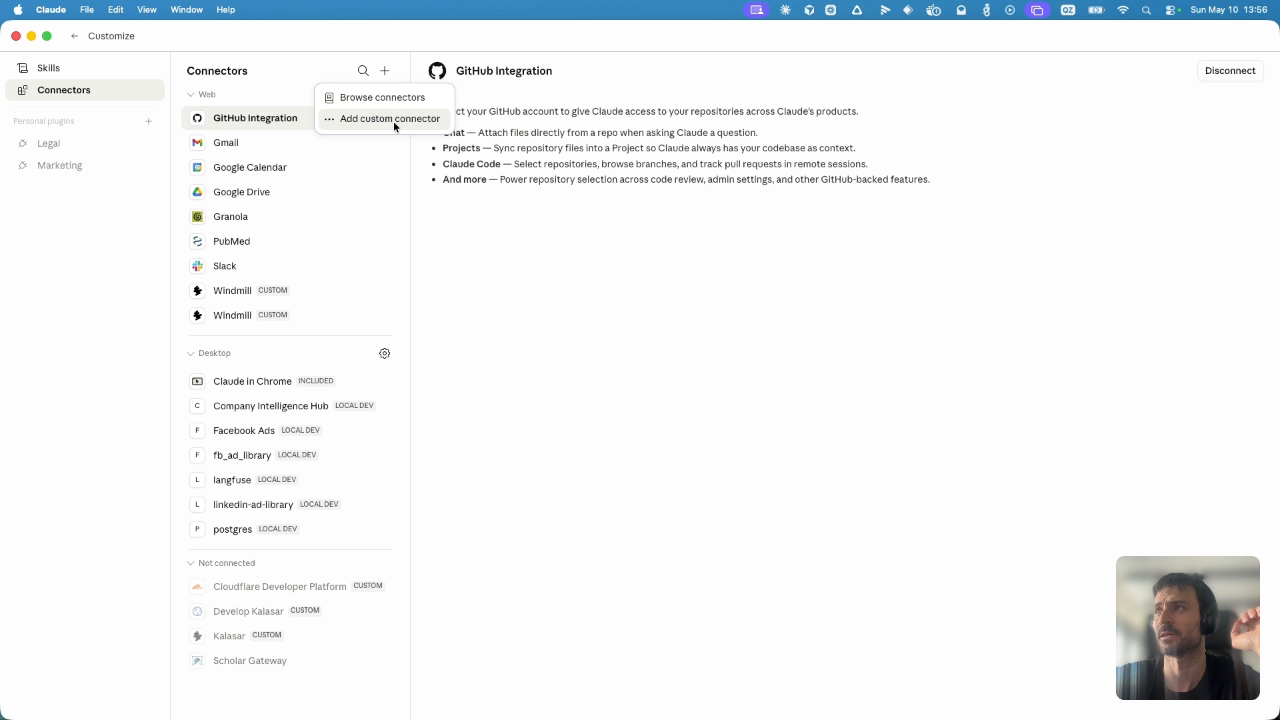
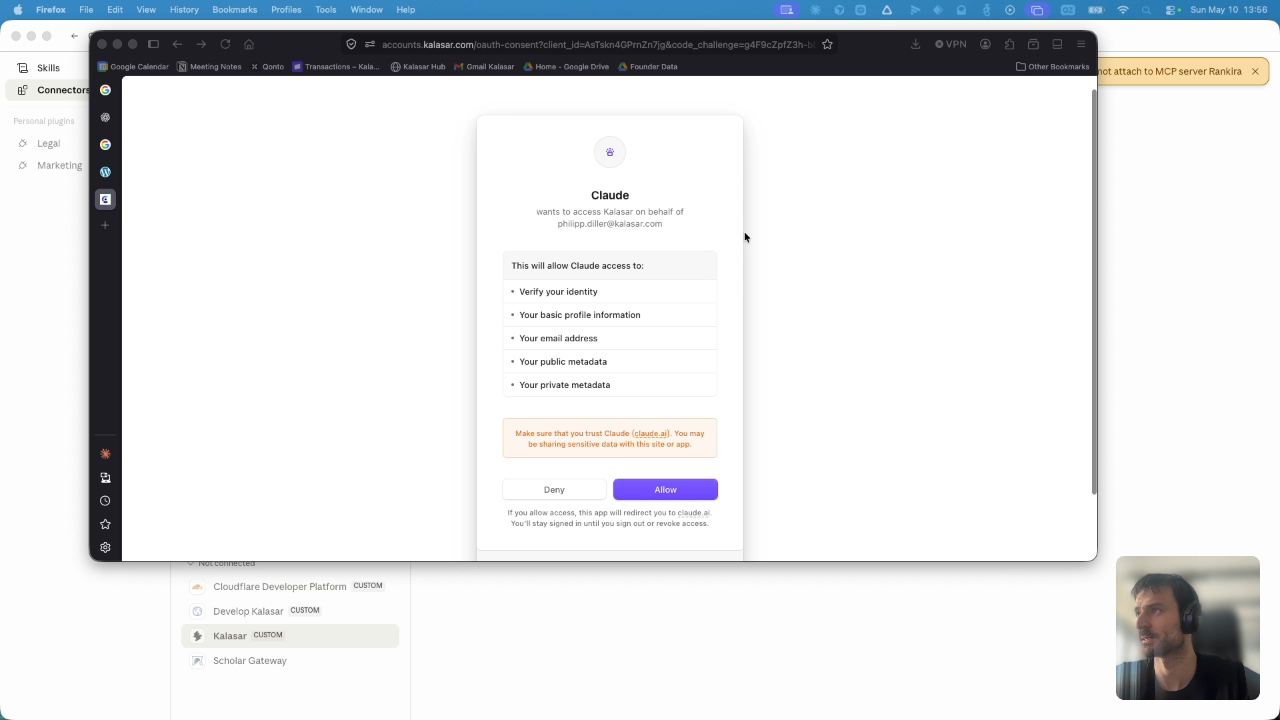
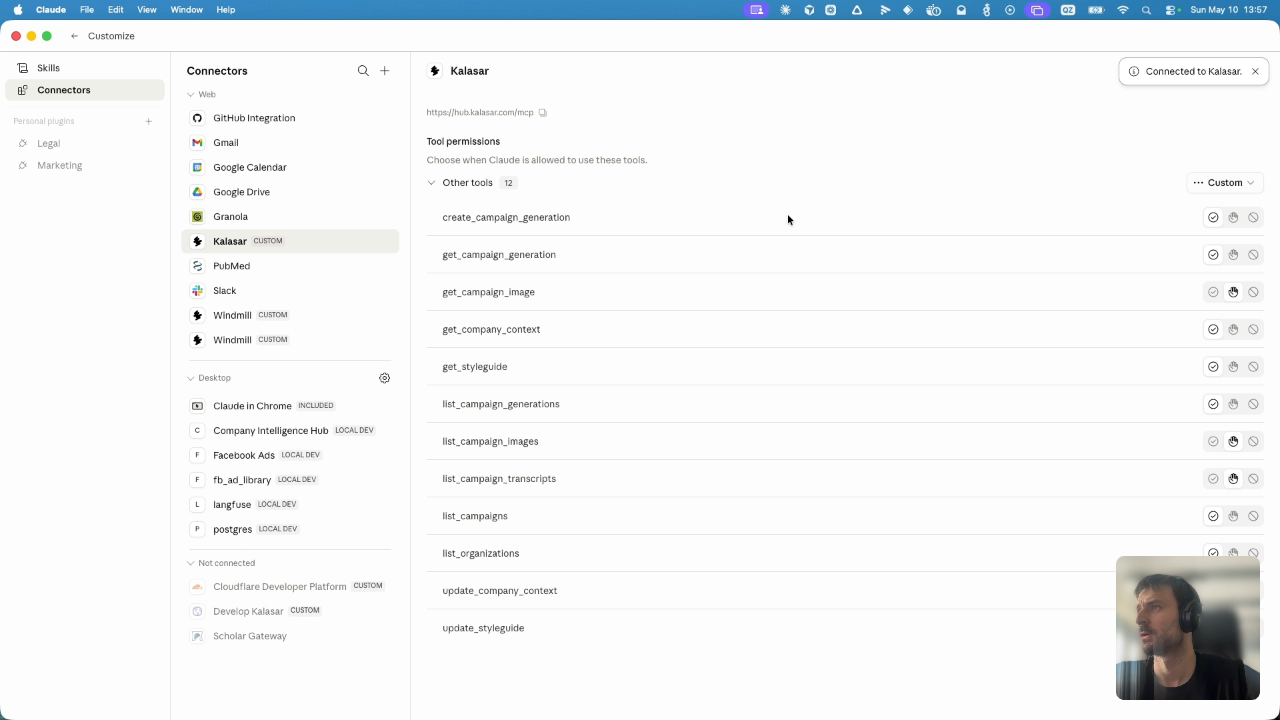
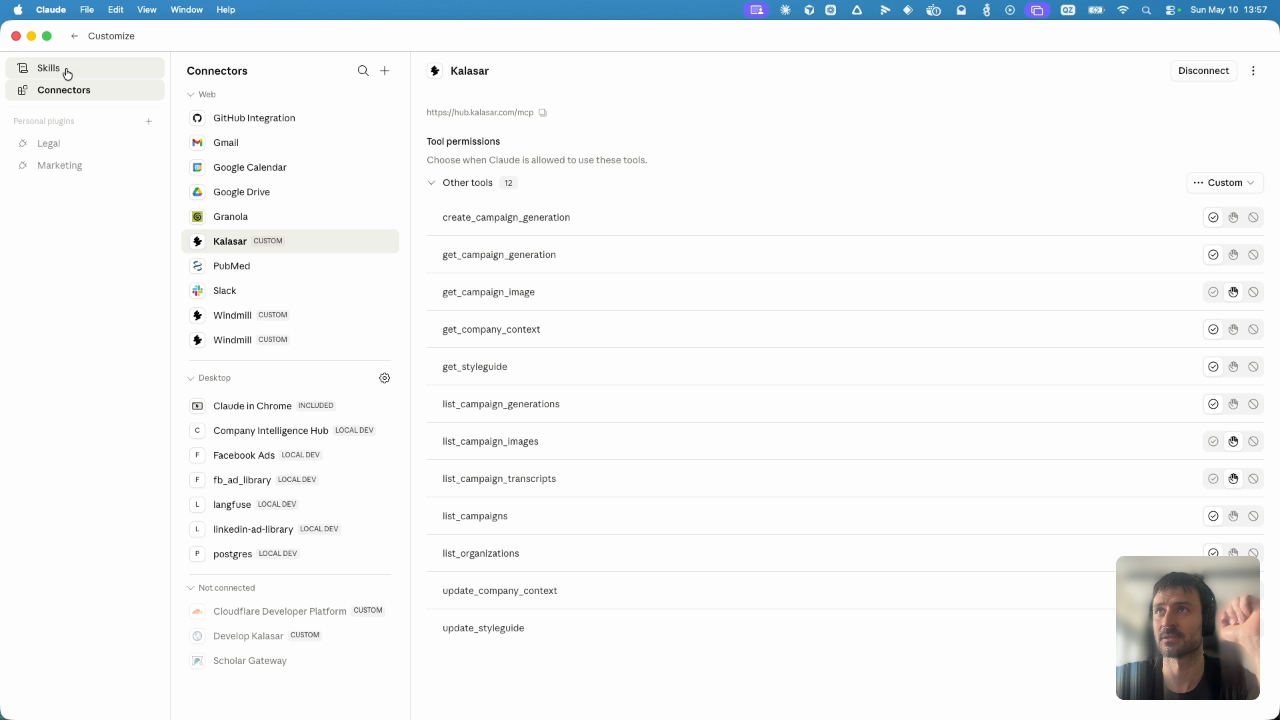
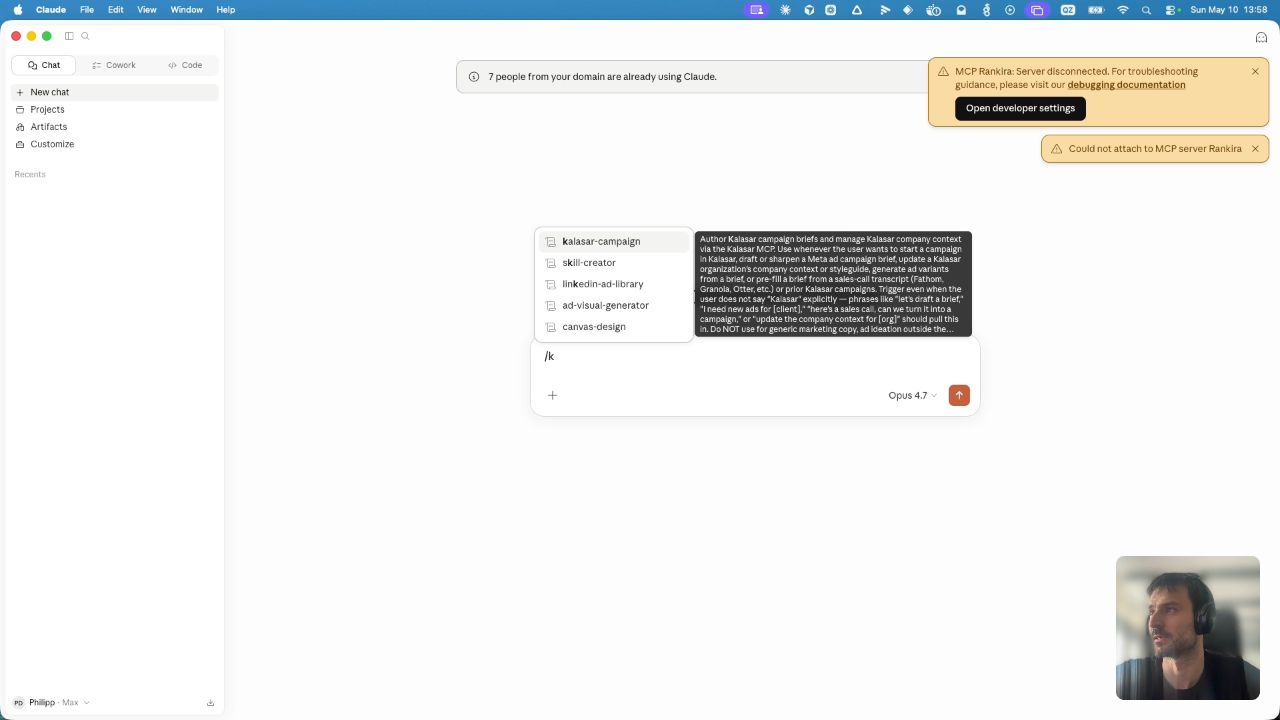
PHASE 1: MCP SETUPTo integrate the Kalasar MCP server, start from your main Claude.ai chat interface. Locate and click on the 'Customize' tab in Claude's left-hand sidebar menu to enter the custom capability configuration dashboard.
Action: Click 'Customize' in the left-hand sidebar to open Claude's settings panel.